November 24, 2025
How to Get Reviews on WhatsApp (Free Scripts)
Learn how to collect 5-star Google reviews on WhatsApp for free. This guide provides copy-and-paste templates for service businesses.
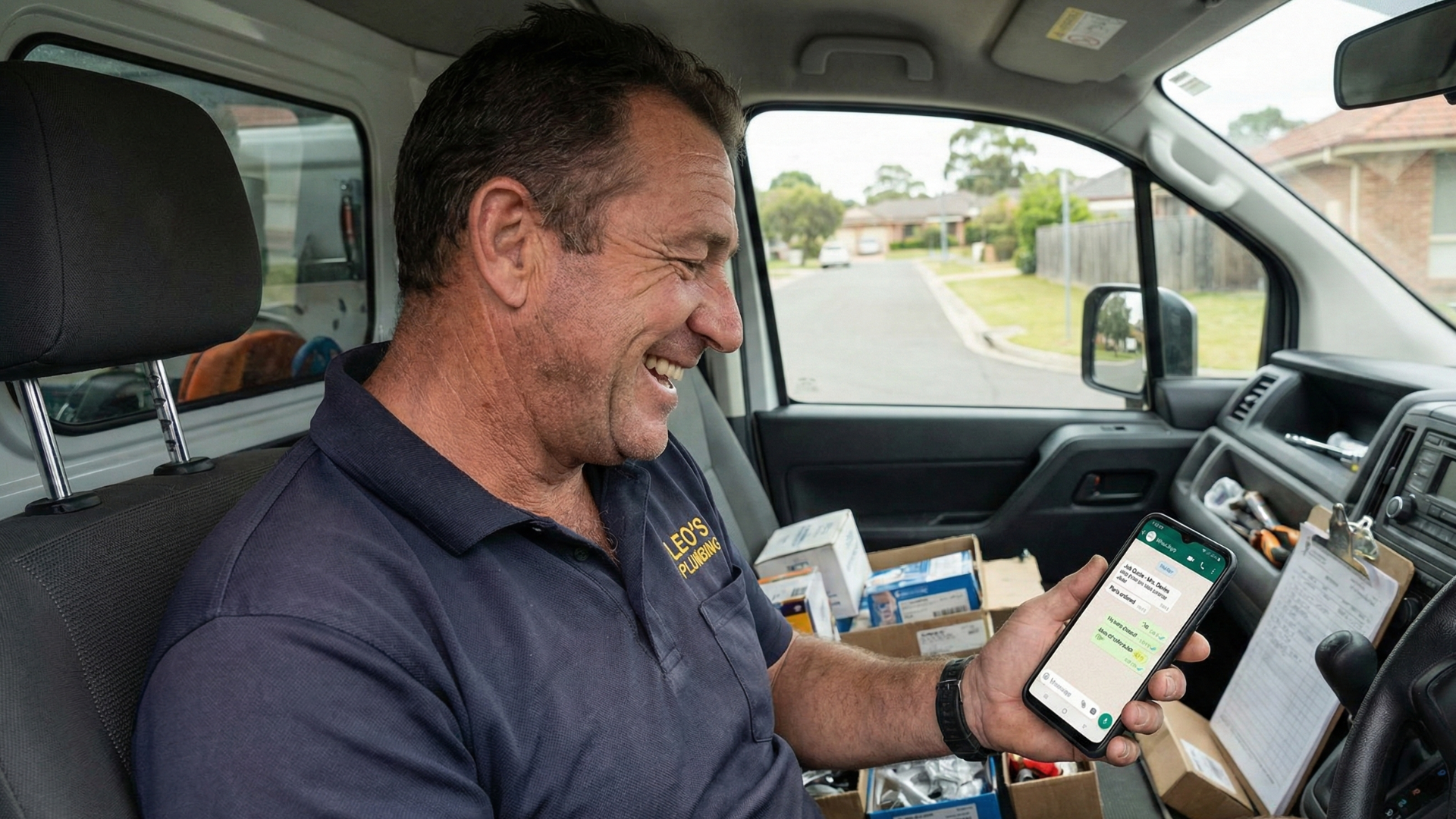
This guide gives you the exact, non-pushy scripts to turn your WhatsApp chats into a steady stream of 5-star reviews.
As a service pro, your phone is your office. You use WhatsApp for everything: sending job-site photos, giving clients updates, confirming appointments, and maybe even the final invoice.
Your customers probably communicate with you there, too, and if you ever do get a reply along the lines of "Thanks so much, the new install looks great!"
This is the perfect moment to ask for a review. But it feels... awkward. What do you say? You don't want to seem pushy. So, you just reply "You're welcome!" and the conversation dies. You've just missed the single best opportunity to grow your business.
Your business's growth is directly tied to your online trust, and that trust is built by a steady stream of new reviews. Reviews you get by asking.
Using WhatsApp to ask for that review isn't awkward. You're already in a personal, one-on-one conversation where the customer is happy. WhatsApp is personal for many people already, tapping into this channel is the fastest, most effective, and cheapest way to get the reviews you need to make more sales.
This guide will explain why this works and give you the exact, non-pushy scripts to turn your WhatsApp chats into a powerful review-generation machine.
Why WhatsApp Is a Review-Generating Goldmine

Asking for a review on WhatsApp isn't just easier, it's where a lot of your customers are. Over a billion people use WhatsApp regularly to talk to their family abroad and it has become a normal place to communicate.
It's Instant and Personal
An email request can sometimes feel cold and corporate. It lands in an inbox next to spam and promotional emails, where it can easily be ignored.
A WhatsApp message is a personal notification. It has an open rate of over 90%+ like SMS, meaning your review request will be seen, almost always within minutes. It feels like a message from a person, not a company or marketing blast.
It Shows Google You're Active and Relevant
Google's algorithm for local SEO is smart. It doesn't just look at how many reviews you have. It looks at how often you get them. A business with 100 reviews from three years ago looks stale. A business that gets 3-5 new reviews every week looks active, relevant, and trustworthy today.
Using WhatsApp allows you to get a steady, consistent stream of reviews proving to Google that you are a thriving, relevant business locally.
Your Customers Write Your Best SEO Keywords

When a customer is happy and you make it easy for them, they're more likely to write a detailed, conversational review. When they write, "This plumber was a lifesaver, he fixed my emergency water heater leak in Springfield," they just provided Google with a perfect, user-generated keyword for a service you offer.
Your customers are literally writing your best-performing SEO and AI search content for you. WhatsApp's personal, instant nature makes capturing these detailed reviews far more likely because you can be more direct.
It Protects Your Overall Rating
Every review you collect acts as an insurance policy that protects your business. When you only have 10 reviews, one new 1-star review (whether it's fair or not) can be catastrophic, dropping your rating from 5.0 to 4.5 overnight. When you have 150+ positive reviews from using a consistent system, that same 1-star review is just a "blip." It has almost no impact on your overall rating. WhatsApp is a quick and cheap way to build up this protection.
Step 1: Get Your "One-Tap" Review Link To Share On WhatsApp
You cannot start this process until you have your review link. The entire strategy depends on making it one tap for the customer. Asking them to find your business on Google is a guaranteed way to get no reviews.
You must have a direct link ready to paste. Here's how to get it for the most common platforms.
For Google Reviews
This is the most important one. The easiest way to get your direct link is to use a free tool.
- Use the Tool: Our Google Review Link Generator is free and creates your unique, shareable link instantly.
For Facebook Reviews
This one can be tricky to find on your own.
- Use the Tool: Our Facebook Review Link Finder will locate the correct link for you.
- DIY Guide: You can also follow our step-by-step Guide: Generate Facebook Review Link.
For Industry-Specific Review Sites
Don't forget the platforms that matter in your niche. We have free tools and guides for all of them.
- Home Services (BBB, HomeAdvisor, Zillow):
- Use our BBB Review Link Finder
- Use our HomeAdvisor Review Link Finder
- Use our Zillow Review Link Finder
- Health & Wellness (RateMDs, Healthgrades):
- Use our RateMDs Review Link Finder
- Use our Healthgrades Review Link Finder
The Easiest Method: Share Directly from the Tool
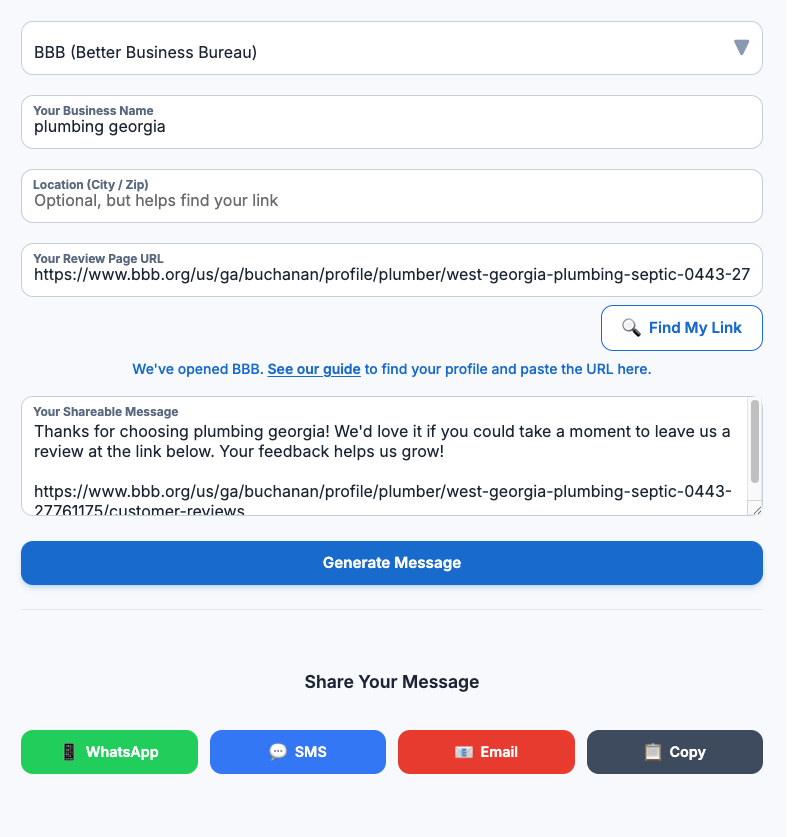
When you use our free review link finder tools, you don't need to copy and paste your review invitation to WhatsApp. After finding your link, you'll see a "Share to WhatsApp" button. Tapping this on your phone will open WhatsApp and automatically prep a message for you to send to your customers, taking your time-to-ask from 15 seconds down to 2.
Pro-Tip: Save Your Link for 2-Second Access
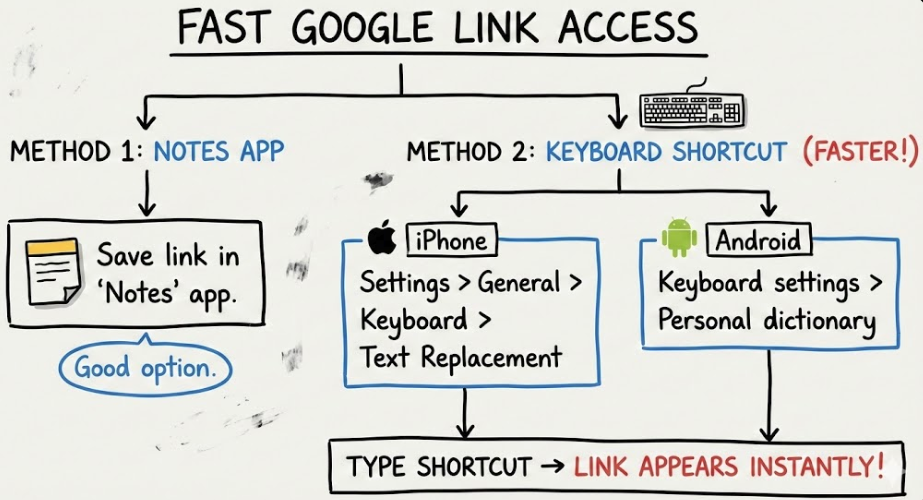
For your main Google link, you can put it in your phone's "Notes" app, or for even faster access, create a keyboard shortcut. (On iPhone: Settings > General > Keyboard > Text Replacement. On Android: use the 'Personal dictionary' in your keyboard settings).
Set it up so when you type "glink", it automatically pastes your full Google review link. This is the key to making this process frictionless.
Step 2: Know the Perfect Moment (When to Ask)
The "what" you say (the script) is important, but the "when" you say it is critical.
The best time to ask is immediately after the customer expresses satisfaction. This is the moment when they are happiest, most appreciative, and most likely to reciprocate your good work with a good review.
Do NOT wait a day. Do NOT batch it for the end of the week. Ask at the peak of their happiness.
This moment often looks like this:
- You send the "Job complete!" photo. They reply, "Looks amazing, thank you!"
- You send the paid invoice receipt. They reply, "Paid! Thanks for the great service."
- They message you out of the blue: "Just wanted to say the new AC unit is working perfectly. So quiet!"
This is your green light.
Step 3: The "Copy & Paste" WhatsApp Scripts
Here is your playbook. These scripts are simple, personal, and respectful of your customer's time. They are designed to be copied, pasted, and sent in 10 seconds.
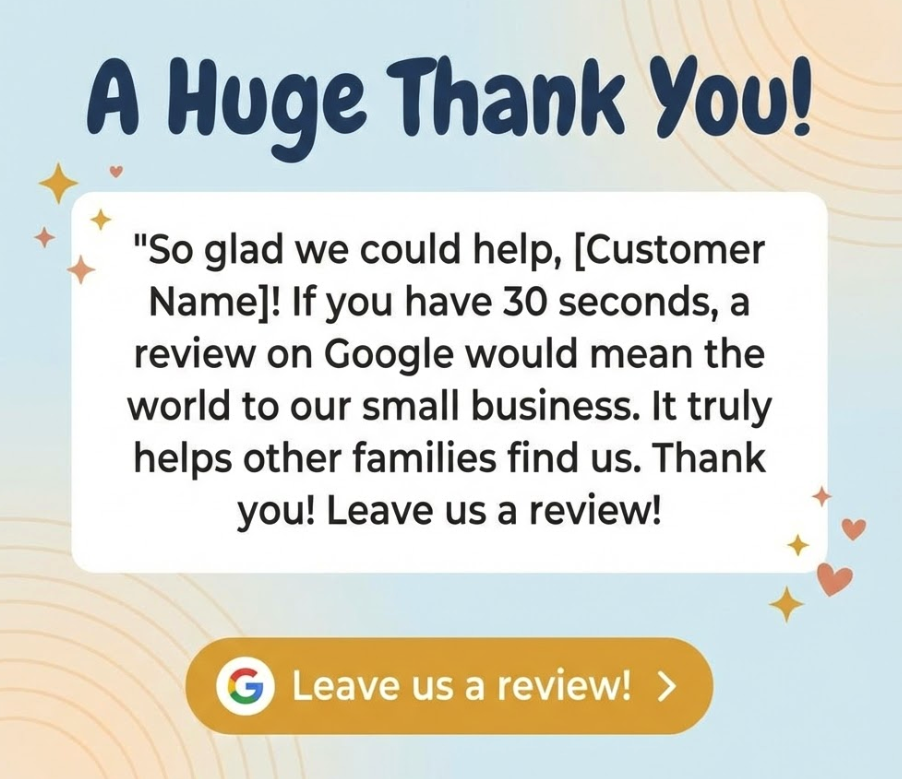
Template 1: The Simple & Grateful Ask (Use 90% of the time)
"So glad we could help, [Customer Name]!
If you have 30 seconds, a review on Google would mean the world to our small business. It truly helps other families find us.
Thank you! [Your Google Review Link]"
Why it works: It's polite, frames it as "helping" (which they want to do), and sets a time expectation ("30 seconds").

Template 2: The "Feedback" Ask (For more detailed/chatty customers)
"Thank you, [Customer Name]! We're always trying to improve.
Would you be willing to share your feedback about the [service you did, e.g., 'new faucet install'] on Google? It's a huge help for us.
[Your Google Review Link]"
Why it works: It positions the review as "feedback," which encourages them to be specific. This is how you get those amazing, keyword-rich reviews.
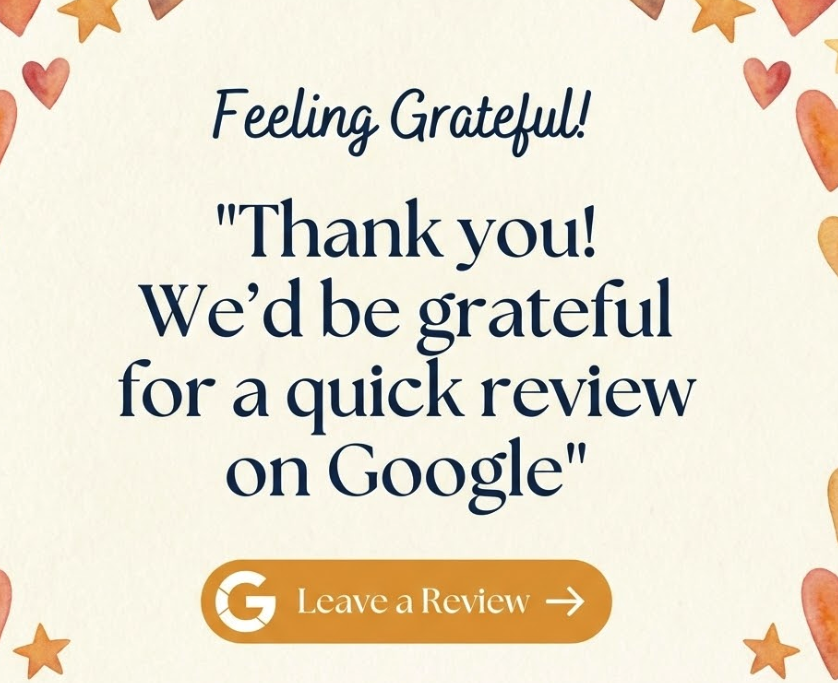
Template 3: The "One-Tap" Ask (Short & Sweet)
"Thank you! We'd be grateful for a quick review on Google:
[Your Google Review Link]"
Why it works: It's the simplest possible version. It's perfect for customers who are busy or not very talkative. It's clean, direct, and incredibly effective.
How to Collect Reviews on Autopilot
This free WhatsApp method is powerful. It will get you more reviews this week than you got all last month.
But it has one major flaw. It's still manual. You still have to remember to do it. You have to be disciplined. And when you get busy, you will get busy… this will be the first thing you forget to do. You'll be back to missing those moments and leaving money on the table.
A core part of business growth is to save time and put more money in your pocket. The free method is good, but an automated system is how you scale.
The "Automated Review System"
This is what Reputigo was built for. Our review management software is designed to automatically follow-up on reviews on your behalf.
- It works with accounting integrations, like QuickBooks.
- When you close a job, Reputigo automatically sends a smart review request via SMS or Email.
- You don't do anything. You don't copy, paste, or even think about it. The 5-star reviews just show up, building your rating's protection while you're on the next job.
Your 2-Minute Growth Plan
Don't let this just be another article you read. Take action.
- Today (60 Seconds): Go to our free Google Review Link Generator and get your link. Save the link to your phone's keyboard shortcuts.
- Tomorrow (30 Seconds): Use Template #1 from Step 3 of this article to get reviews from your next happy customer you talk to on WhatsApp.
- Next Week (3 Minutes): You can see how Reputigo's Automated Campaigns can put your entire business review collection on autopilot. It's super simple and affordable. You can start collecting reviews in seconds.